
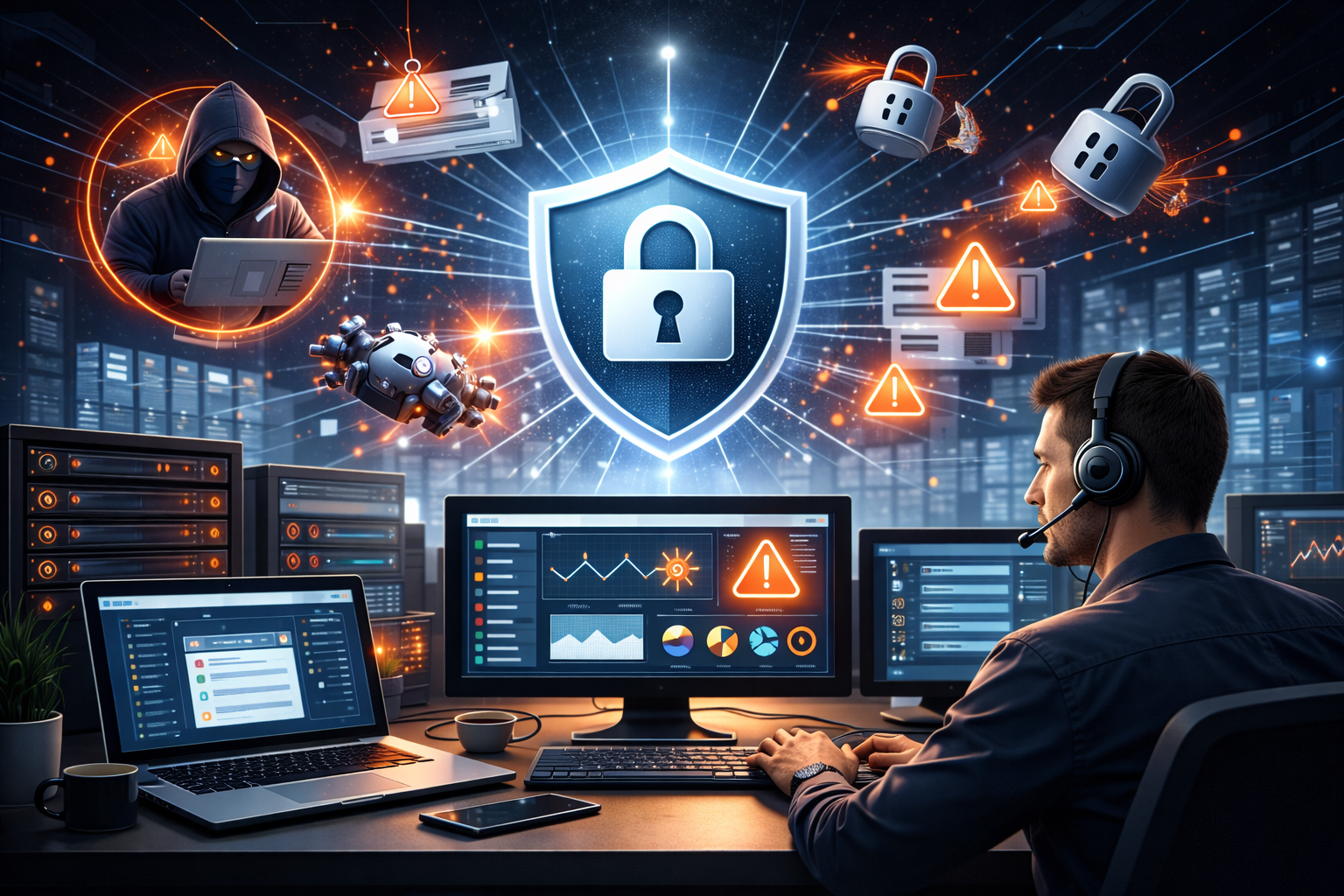
Remote desktop support has become an essential tool for businesses that need fast and efficient IT assistance. By allowing technicians to access computers and systems remotely, organizations can resolve technical issues quickly without requiring on-site visits. However, while remote desktop solutions improve efficiency and productivity, they can also introduce security risks if not properly managed.
Understanding these risks and implementing the right security measures is crucial to protecting sensitive data, systems, and networks. This article explores the most common security threats associated with remote desktop support and the best ways to prevent them.
Why Security Matters in Remote Desktop Support
Remote desktop support tools allow technicians to access systems from anywhere in the world. While this convenience is beneficial for IT operations, it also creates potential entry points for cybercriminals. If access credentials are compromised or security controls are weak, attackers may gain unauthorized access to company systems.
Security in remote desktop support is especially important for organizations that handle sensitive data, including healthcare providers, financial institutions, and enterprises managing large IT infrastructures.
Common Security Risks in Remote Desktop Support
1. Weak Passwords and Poor Authentication
One of the most common security vulnerabilities in remote desktop environments is the use of weak or easily guessable passwords. Attackers often attempt brute-force attacks to gain access to remote systems.
How to prevent it:
- Use strong, complex passwords
- Implement multi-factor authentication (MFA)
- Require regular password updates
- Enforce strict password policies across the organization
These steps significantly reduce the chances of unauthorized access.
2. Unauthorized Access
If remote desktop tools are not configured correctly, unauthorized users may gain access to company systems. This risk is particularly high when remote access permissions are too broad or poorly managed.
How to prevent it:
- Limit remote access to authorized users only
- Use role-based access control (RBAC)
- Regularly review and update user permissions
- Disable unused accounts immediately
Proper access management ensures that only trusted personnel can connect to remote systems.
3. Unsecured Network Connections
Remote desktop sessions conducted over unsecured or public networks can expose sensitive information to attackers. Hackers may intercept data through man-in-the-middle (MITM) attacks.
How to prevent it:
- Use encrypted connections for remote sessions
- Implement secure VPNs for remote access
- Avoid connecting through public Wi-Fi networks
- Use end-to-end encryption for remote desktop tools
Encryption protects data from being intercepted during remote connections.
4. Outdated Software and Security Patches
Using outdated remote desktop software can create vulnerabilities that cybercriminals can exploit. Attackers often target systems with unpatched security flaws.
How to prevent it:
- Keep remote desktop software updated
- Apply security patches as soon as they are released
- Use automated update systems where possible
- Regularly review system vulnerabilities
Maintaining up-to-date software helps prevent exploitation of known security gaps.
5. Lack of Monitoring and Activity Logging
Without proper monitoring, suspicious activities during remote desktop sessions may go unnoticed. This makes it difficult to detect unauthorized access or malicious actions.
How to prevent it:
- Enable session logging and monitoring
- Track login attempts and user activity
- Use alert systems for unusual access patterns
- Conduct regular security audits
Monitoring ensures that potential threats are detected and addressed quickly.
6. Malware and Phishing Attacks
Remote desktop users may unknowingly download malware or fall victim to phishing attacks that compromise login credentials. Once attackers gain access, they can spread malware across the network.
How to prevent it:
- Install advanced antivirus and endpoint security solutions
- Educate employees about phishing threats
- Implement email security filters
- Use endpoint detection and response (EDR) tools
User awareness combined with strong security tools helps reduce the risk of malware infections.
7. Excessive Privileges
When remote support technicians have unnecessary administrative privileges, it increases the potential damage that can occur if an account is compromised.
How to prevent it:
- Follow the principle of least privilege
- Grant only the access required for specific tasks
- Use temporary access credentials when possible
- Monitor administrator accounts carefully
Limiting privileges reduces the potential impact of security breaches.
Best Practices for Securing Remote Desktop Support
Beyond addressing individual risks, organizations should implement broader security strategies to protect remote desktop environments.
Implement Multi-Factor Authentication
MFA adds an additional layer of protection by requiring users to verify their identity through multiple methods.
Use Secure Remote Desktop Tools
Choose solutions that offer built-in security features such as encryption, session recording, and role-based access controls.
Train Employees on Cybersecurity
Human error is one of the biggest security risks. Regular training helps employees recognize potential threats.
Establish Clear Remote Access Policies
Define guidelines for how remote desktop support should be used, including access restrictions and security requirements.
Conduct Regular Security Audits
Routine audits help identify vulnerabilities before they can be exploited.
The Future of Secure Remote Desktop Support
As remote work and digital transformation continue to grow, secure remote desktop support will become even more important. Trends ,New technologies such as AI-driven threat detection, behavioral monitoring, and automated security alerts are helping organizations detect threats faster and respond more effectively.
Businesses that invest in secure remote support systems will be better equipped to protect their IT infrastructure while maintaining efficient technical support operations.
Conclusion
Remote desktop support offers significant benefits, including faster troubleshooting, reduced downtime, and improved IT efficiency. However, without proper security measures, it can also introduce risks such as unauthorized access, malware attacks, and data breaches.
By implementing strong authentication methods, securing network connections, monitoring remote sessions, and maintaining updated software, organizations can protect their systems while continuing to benefit from remote support technologies.
A proactive approach to security ensures that remote desktop support remains both efficient and safe for modern IT environments.
 jones00
  Fabriclore
  afzaalseo